Mobile App Protection Against Impersonation and Malicious App Threats
Mobile apps are one of the most trusted ways customers interact with your brand, making them an attractive target for cybercriminals. Unphish continuously monitors for malicious apps, fake mobile applications and brand impersonation across supported app stores, APK sites and other distribution channels to help protect your customers and your reputation.
Mobile app protection is the process of identifying, monitoring and removing malicious or unauthorised apps that impersonate your brand and put your customers at risk. These apps are often designed to appear legitimate, using your organisation’s name, logo and branding to trick users into downloading them and sharing sensitive information such as login credentials, payment details or personal data.
Unlike mobile app security, which focuses on protecting an application’s code and infrastructure from vulnerabilities and cyberattacks, mobile app protection focuses on defending your brand and your customers from malicious apps that misuse your identity. This includes monitoring for brand impersonation across app stores, unofficial marketplaces and other distribution channels, then taking action to disrupt and remove rogue apps before they can cause harm.
By continuously monitoring the mobile ecosystem, organisations can detect app-based threats earlier, reduce customer exposure to scams and protect trust in their brand.
How Unphish protects your brand across every mobile app threat
Mobile app threats range from fake apps impersonating your brand to malicious applications designed to steal customer data. Unphish continuously monitors the mobile ecosystem to detect these threats early and support rapid investigation and takedown.
Mobile App Impersonation
Cybercriminals create fake apps that imitate trusted brands using similar names, logos and branding. These apps deceive users into downloading them, often stealing login credentials, financial information and personal data while damaging customer trust.
Malicious Apps
Malicious apps are designed to compromise devices, collect sensitive information or redirect users to phishing websites. Disguised as legitimate applications, they expose customers to fraud while putting your organisation's reputation and customer trust at significant risk.
Unauthorised APKs
Unauthorised APKs are unofficial copies of mobile apps distributed through third-party download sites. Many are modified with malicious code or used to impersonate trusted organisations, increasing the risk of malware infections and data theft.
Mobile App Scams
Fraudulent mobile apps trick users into sharing sensitive information, making payments or installing harmful software. Unphish continuously monitors for these threats to support rapid investigation and coordinated takedown before widespread customer harm occurs.
Detection & Response
How Unphish detects and removes rogue apps
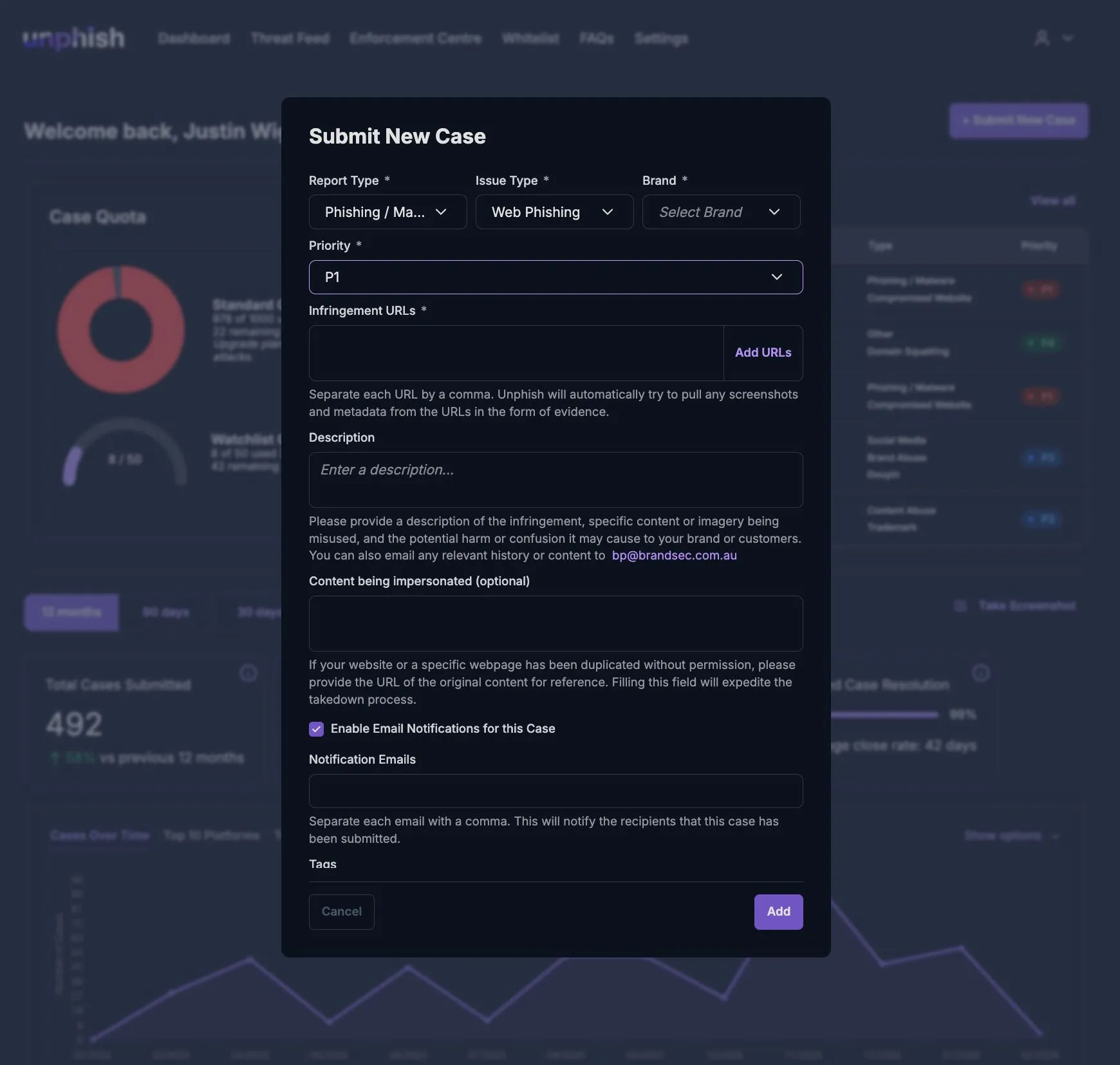
Unphish combines continuous monitoring, expert threat analysis and coordinated enforcement to identify malicious mobile apps targeting your organisation. Every detection follows a structured process to investigate threats, support rapid takedowns and minimise customer exposure.
Step 1
Monitor
Unphish continuously monitors supported app stores, APK distribution sites and other mobile app channels for applications that may be impersonating your brand. By analysing app names, branding, publisher details and other indicators, we can identify suspicious apps before they gain widespread distribution. Learn more about how Unphish monitors across channels.
Step 2
Detect
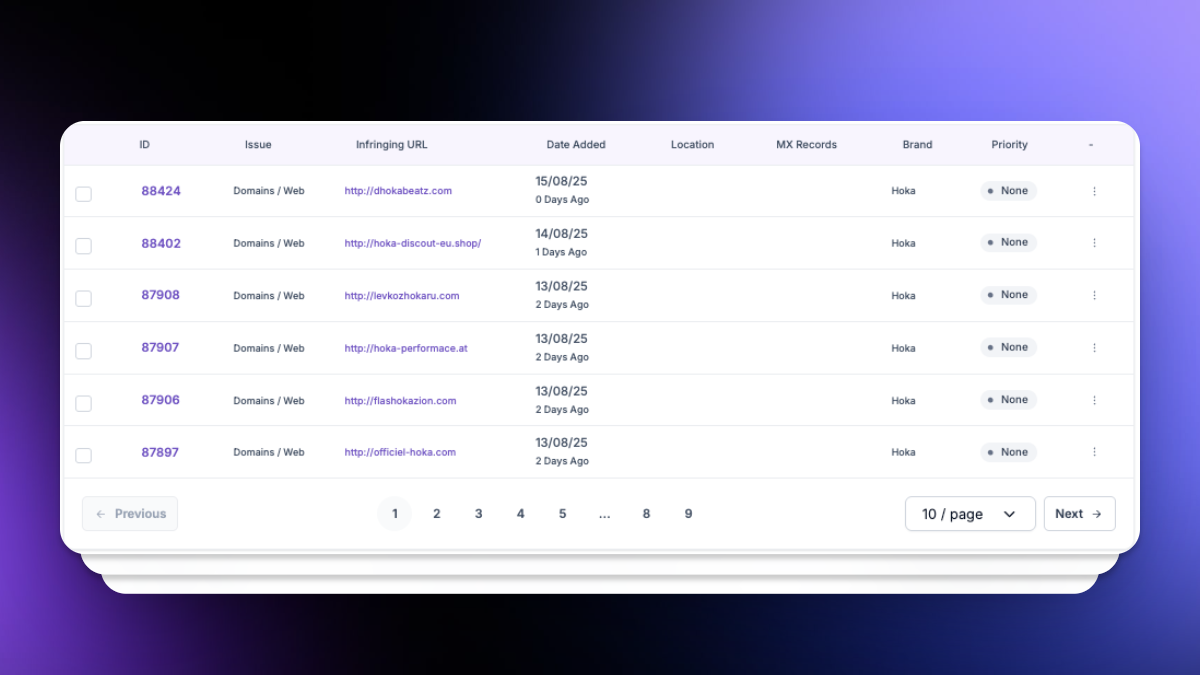
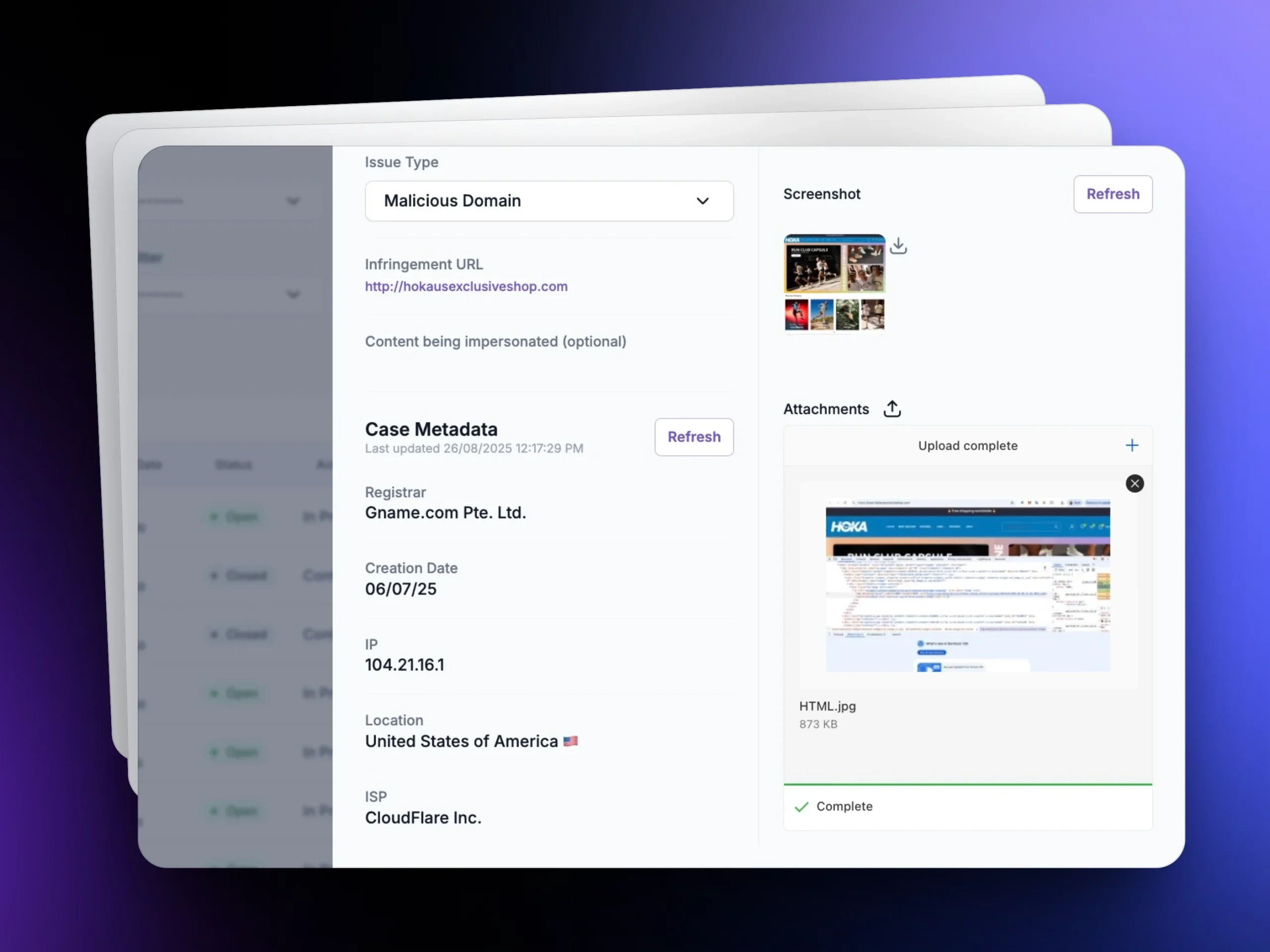
When a suspicious app is identified, Unphish investigates whether it is a legitimate application or a malicious attempt to impersonate your brand. Each detection is enriched with contextual intelligence, helping our analysts assess the threat, understand its potential impact and determine the most appropriate response.
Step 3
Takedown
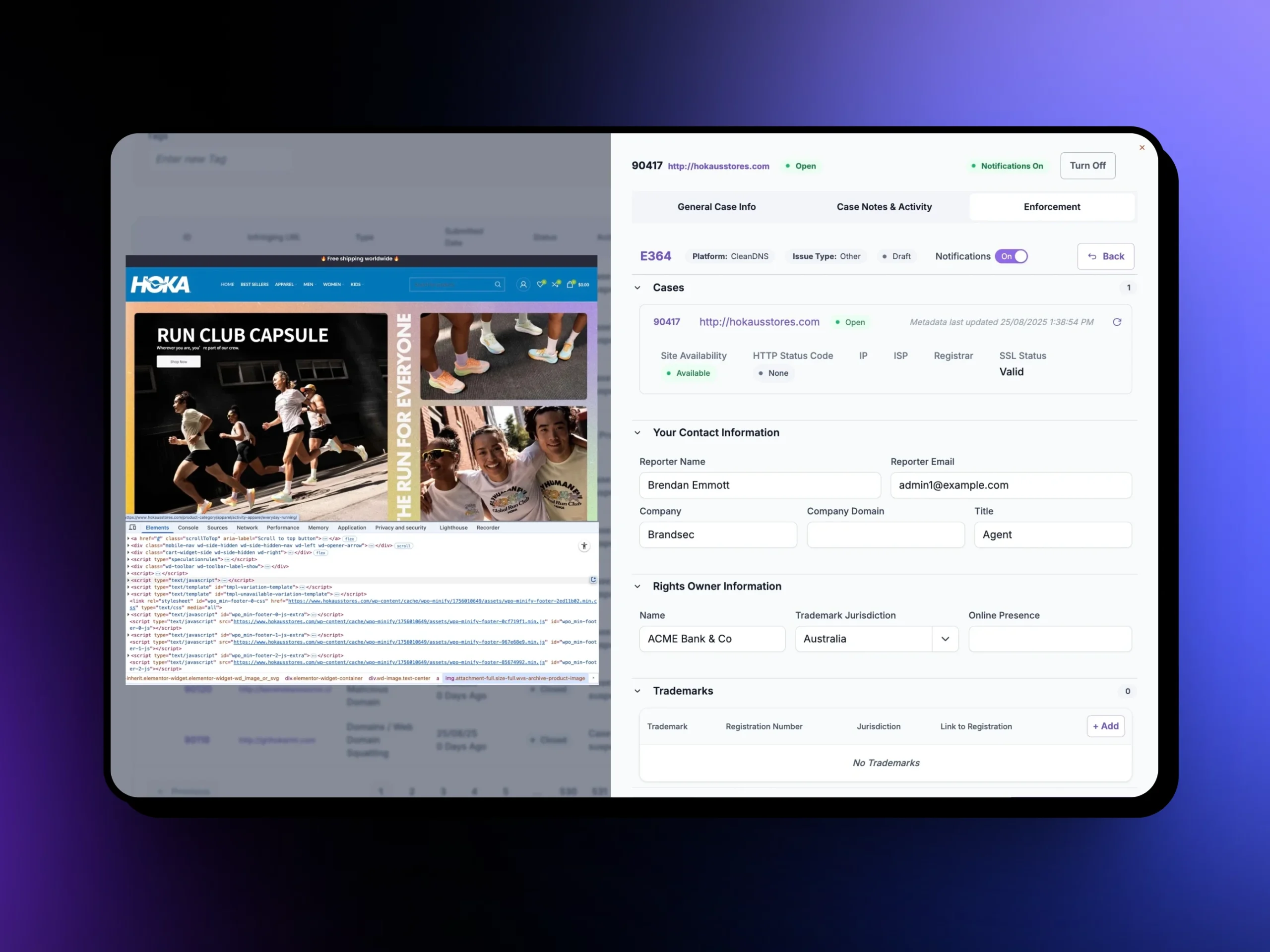
Once a rogue app has been confirmed, Unphish works to remove it through the appropriate enforcement channels. We coordinate the takedown process, maintain an auditable record of actions taken and continue monitoring for reuploads or similar impersonation attempts, helping minimise customer exposure and protect your brand over time.
Why Unphish
Why choose Unphish for mobile app protection?
Mobile app threats rarely exist in isolation. Unphish combines continuous monitoring, threat intelligence and coordinated enforcement to help organisations detect, investigate and remove rogue applications while disrupting the broader infrastructure used to target their brand and customers.
Coverage beyond official stores
Fake apps are not limited to official app stores. Cybercriminals also distribute malicious apps through unofficial marketplaces, APK download sites and other third-party channels. Unphish monitors across supported mobile app distribution channels, helping organisations identify brand impersonation wherever it appears and reduce customer exposure to fraudulent apps.
Early detection before downloads scale
The sooner a rogue app is identified, the lower the risk to your customers and your brand. Unphish continuously monitors for mobile app impersonation, helping organisations detect malicious apps early so action can be taken before they reach a wider audience, generate significant downloads or cause widespread customer harm.
Coordinated multi-channel takedown
Mobile app threats rarely exist in isolation. Rogue apps are often promoted through phishing campaigns, fake websites, social media accounts and other channels as part of a broader impersonation campaign. Unphish helps organisations coordinate enforcement across these interconnected threats, supporting the removal of malicious apps while disrupting the wider infrastructure used to target your brand and customers.
Brand-protection focus
Unlike traditional mobile app security solutions that focus on securing application code, Unphish focuses on protecting your brand from apps that impersonate your organisation and target your customers. By combining continuous monitoring, threat intelligence and coordinated enforcement, we help organisations detect and disrupt app-based impersonation before it can damage customer trust or brand reputation.
* Learn more about why organisations choose Unphish, visit our Why choose Unphish page.
Protect Your Brand
Stop fake mobile apps before they reach your customers
Fake and malicious mobile apps can damage customer trust, expose users to fraud and weaken your brand reputation. With continuous monitoring, expert investigation and coordinated takedown support, Unphish helps organisations reduce app-based threats across the mobile ecosystem.
Protect your customers, strengthen brand trust and respond to mobile app impersonation before it causes widespread harm.
Discover answers to frequently asked questions about mobile app protection, malicious apps, mobile app impersonation and rogue app takedowns to better understand how Unphish protects your brand and customers.
1. What is mobile app protection?
Mobile app protection is the process of identifying, monitoring and removing malicious or unauthorised apps that impersonate your brand and put your customers at risk. It helps organisations detect fake apps across supported app stores and distribution channels, enabling faster investigation and enforcement before they can cause widespread harm.
2. What is the difference between mobile app protection and mobile app security?
Mobile app protection focuses on protecting your brand and customers from malicious apps that impersonate your organisation or misuse your identity. Mobile app security, on the other hand, focuses on protecting the application's code, infrastructure and data from vulnerabilities, reverse engineering and other cyberattacks. While both are important, they address different security challenges.
3. How do fake apps harm my brand?
Fake apps can damage your organisation in several ways. They may deceive customers into sharing sensitive information, making fraudulent payments or downloading malware, while also eroding trust in your brand. In addition to financial and reputational damage, rogue apps can increase customer support costs and expose organisations to regulatory and compliance risks.
4. Where are fake apps distributed?
Rogue apps can appear across official app stores, third-party marketplaces, APK distribution sites and other channels used to distribute mobile applications. They are also commonly promoted through phishing emails, fake websites, social media posts and online advertisements to encourage downloads.
5. How quickly can Unphish take down a rogue app?
The time required to remove a malicious app depends on factors such as where it is hosted, the platform's enforcement processes and the complexity of the case. Once a malicious app is confirmed, Unphish works to initiate enforcement as quickly as possible and continues monitoring for reuploads or similar impersonation attempts to help minimise ongoing risk.
Take Action
Protect your brand across the mobile ecosystem
Mobile app impersonation can put your customers, reputation and business at risk. Discover how Unphish helps organisations detect malicious apps, investigate threats and coordinate rapid takedowns before fraud spreads.